
Top 10 Feature Flag Management Tools in 2026
A feature flag tool decides how you release software: who sees a change, how fast it rolls out, and how quickly you can turn it off if it goes wrong. Once a team outgrows a hand-rolled config flag, the choice of tool shapes how the whole engineering org ships for years.
One thing up front: we're Featureflow, and we put ourselves first on this list, so read it knowing that. Our reason is that Featureflow sits in the sweet spot for small and mid-sized engineering teams: everything you need for rollout control and runtime config in one place, connected to the tools you already use, without paying for an analytics suite or an experimentation platform bolted on. We've tried to describe the other nine tools fairly, because a list that only flatters its author is useless to you, and because several of them are excellent at things we don't try to be — LaunchDarkly at enterprise breadth, Statsig and GrowthBook at experimentation, Unleash and Flagsmith at self-hosting.
What to look for
Every tool on this list can turn a flag on and off. The differences show up once you look closer:
- Targeting and rollouts — boolean and multivariate flags, targeting by user attribute or segment, and percentage rollouts that stay sticky as you expand them.
- Environments— separate flag values per environment, so a flag can be on in staging and off in production without extra bookkeeping.
- Runtime config — can a flag carry more than on/off, such as a JSON, string or number value, so you can change app behavior without a separate remote-config product or a second SDK.
- Release governance — pipelines that define the phases a flag moves through on its way to production, approval workflows before a change takes effect, and an audit trail of who changed what and when.
- SDK coverage— does it support your backend languages and your client framework, with consistent bucketing across all of them.
- Delivery speed and architecture — how flag values reach your app. Config served through a CDN and cached at the edge means client reads don't hit the origin on every evaluation.
- Usability for engineers and product people — can a product manager change a rollout percentage without filing a ticket, and can an engineer still trust what happens when they do.
- Pricing you can predict — a bill you can forecast a year out, not one that changes shape when your product succeeds and your user count or request volume grows.
1. Featureflow
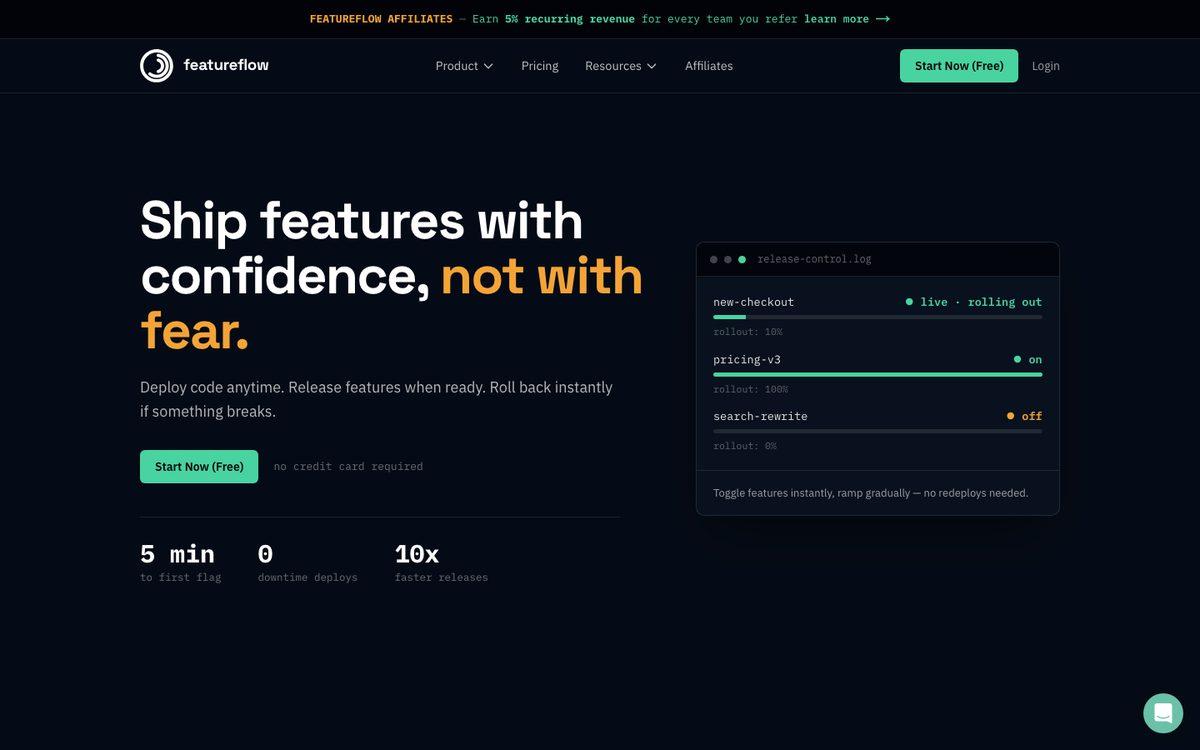
Featureflow is a feature flag and release management platform built for engineering teams who want rollout control and runtime config in one product — not an analytics suite or an experimentation platform with flags attached. It covers targeting, rollouts, environments, release governance and config, and connects to the tools you already run releases through, at a price that doesn't change shape as you grow.
Rollout control
Every project supports multiple environments with separate flag values, targeting rules by user attribute or segment, and percentage rollouts with stable bucketing. On the Business plan, a release pipeline turns your rollout process into ordered phases with default targeting, and an approval workflow requires sign-off before a change takes effect in a given environment, enforced server-side by role. Every change, on any plan, lands in the audit trail with who changed what and when.
Pipelines are what make it safe to hand flags to a product team. The pipeline sets the convention for a flag's whole life: which phase comes next, who is targeted in each phase, and where an approval is needed. A product manager moves a flag forward through phases an engineer already defined, rather than editing raw targeting rules in production, so a non-technical person can run a release without being able to misconfigure it. LaunchDarkly has release pipelines too, but its docs list them as a beta available only to certain Enterprise customers. Featureflow includes them on the $399 Business plan and in every 14-day trial.
Runtime config
Featureflow doesn't sell a separate remote-config product. Every variant of a flag can carry a JSON value next to its key — the key answers which variant a user gets, the JSON payload answers with what settings. That covers the usual remote-config cases (button colors, feature limits, rollout-specific copy) with the same targeting, environments and audit trail as any other flag, instead of a second system to learn.
Visibility and cleanup
SDK instances can be tagged with an application name, so the dashboard shows which applications evaluate each flag and a per-application breakdown of SDK usage, across all 11 SDKs. Admins can see connected SDK clients — SDK name and version, top client IPs — from the SDKs admin tab, and feature statistics show evaluation counts per variant. Flags that go quiet get flagged too: a flag is marked STALEafter a configurable per-project number of days (30 by default) once it's fully settled and unchanged, with evaluation traffic shown separately as a safety signal before you archive or delete it.
AI agents
Featureflow publishes an MCP server on npm so an AI coding assistant can read and change live flag state from your editor, plus a set of agent skills (featureflow-setup, featureflow-add-flag, featureflow-targeting, featureflow-experiments, featureflow-cleanup-flags) that Claude Code, Cursor and other tools install with one command. Together they cover the whole lifecycle an assistant would otherwise do half of: wiring the right SDK into a project for the first time, putting a new code path behind a flag with both branches working, rolling it out by percentage or segment, and removing the flag's code once it's finished — not just flipping a switch it already knows about.
Integrations
The SDK suite covers server-side Node.js, Java, Go, Python, Ruby and .NET, plus client-side browser JavaScript, React, React Native, native iOS and native Android, all with identical bucketing, with flag config served through a CDN and cached at the edge so client reads don't hit the origin on every evaluation. Integrations cover a full two-way Jira integration (see flag status in Jira, and search your Jira tickets from within Featureflow), Slack, Datadog, Grafana, and outbound webhooks, plus a public REST API and a built-in importer that moves projects, flags and targeting over from LaunchDarkly from the dashboard.
- Key features: targeting rules and segments, percentage rollouts, multiple environments, JSON runtime config on every variant, release pipelines and approval workflows (Business plan), full audit trail, per-application SDK usage and connected-client visibility, feature statistics, stale-flag detection, 11 SDKs across server, web and native mobile (iOS and Android), CDN-cached edge delivery, REST API, MCP server and agent skills, Jira/Slack/Datadog/Grafana/webhook integrations, LaunchDarkly importer.
- Best for:engineering teams of roughly 5–100 people who want rollout control and runtime config in one place, with the integrations they already rely on, and predictable pricing without an enterprise sales process.
- Worth knowing: pipelines and approval workflows are on the Business plan; the Free and Team plans have targeting, segments, rollouts, runtime config and the REST API, but not the staged-approval workflow.
Pricing
Free is $0 with unlimited flags and 5 seats. Team is $99 a month with unlimited seats, projects and environments. Business is $399 a month, adding release pipelines, approval workflows and a longer audit retention. Enterprise is custom. No plan charges per seat, per MAU or per connection — the price doesn't change as your team or user base grows. Every new account starts with a 14-day full Business trial, no credit card, and drops to Free when the trial ends without deleting anything.
2. LaunchDarkly
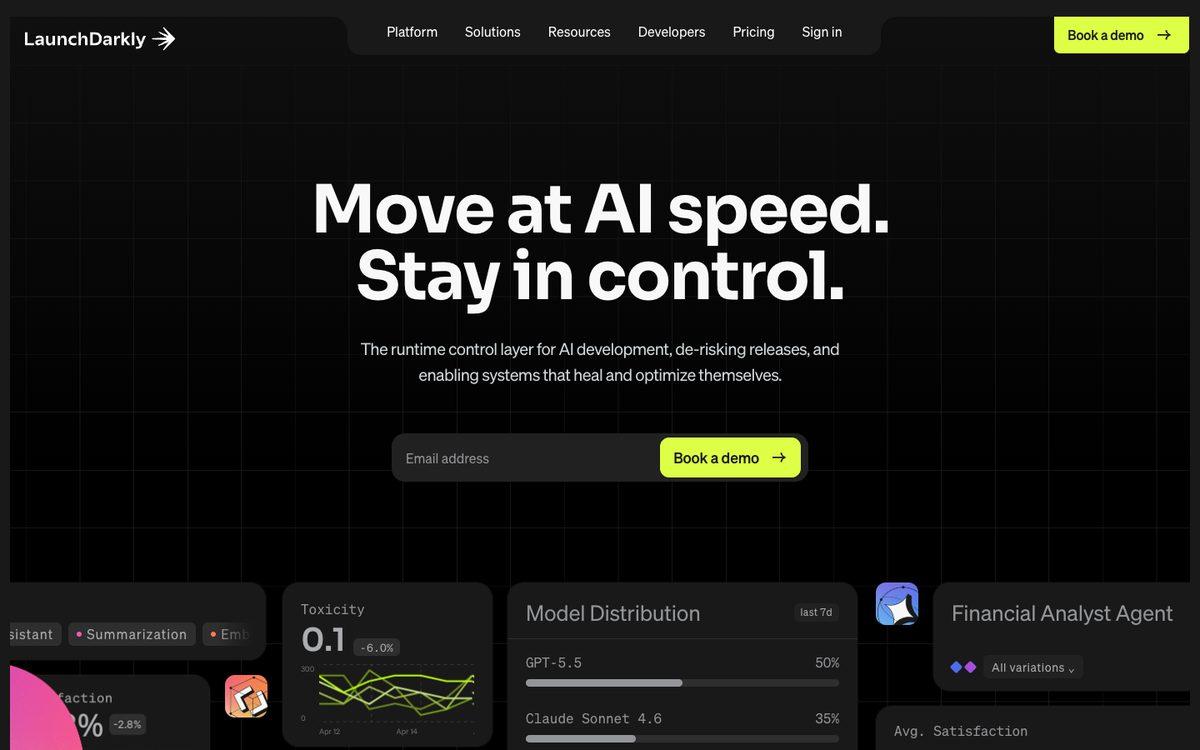
LaunchDarkly is the tool that defined this category, and it remains the deepest platform on this list for large organizations running flags across many teams. Its self-serve pricing is metered on usage, including client-side monthly active users and service connections, and enterprise plans are quoted by sales.
- Key features: broad SDK coverage, granular targeting, experimentation add-ons, and integrations built for large, multi-team organizations.
- Best for: large enterprises that need a single flag platform standardized across many teams and services.
- Worth knowing: pricing is usage-based across two meters (MAU and service connections) rather than a flat number, so the bill can shift as your traffic and architecture change. Release pipelines are listed in its docs as a beta for certain Enterprise customers.
See Featureflow vs LaunchDarkly in detail.
3. Statsig
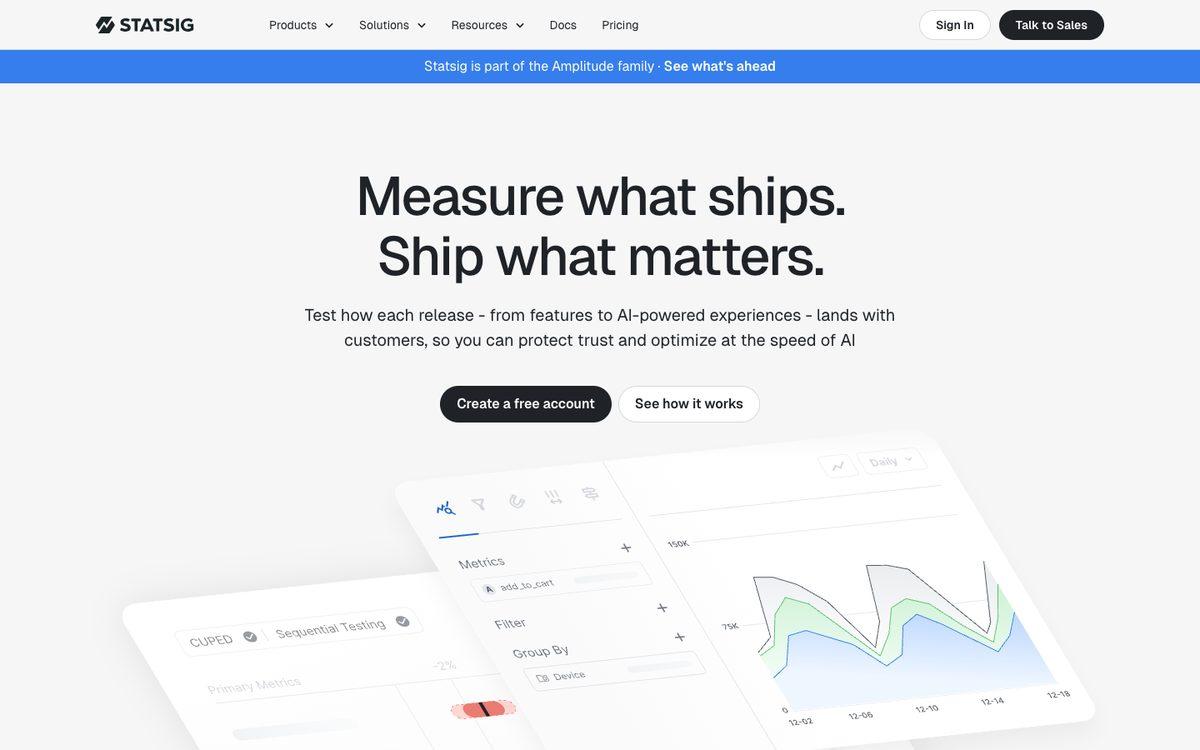
Statsig combines feature flags with A/B testing and product analytics in one platform, and unlike most tools here it doesn't meter flag evaluations at all — it charges for the analytics events and session replays you send it. Its ownership has changed twice: OpenAI announced it would acquire Statsig in September 2025, and in May 2026 Amplitude announced it would take on Statsig's brand and customers and keep developing the platform, including support for existing customers.
- Key features: unlimited feature flag checks on every tier, integrated experimentation and analytics, generous free allowance for metered events.
- Best for: product and growth teams that want flags, experiments and analytics in a single tool.
- Worth knowing:its new owner is a large AI lab, not an infrastructure company, and it's reasonable to ask how its roadmap and independence hold up over time.
See Featureflow vs Statsig in detail.
4. Unleash
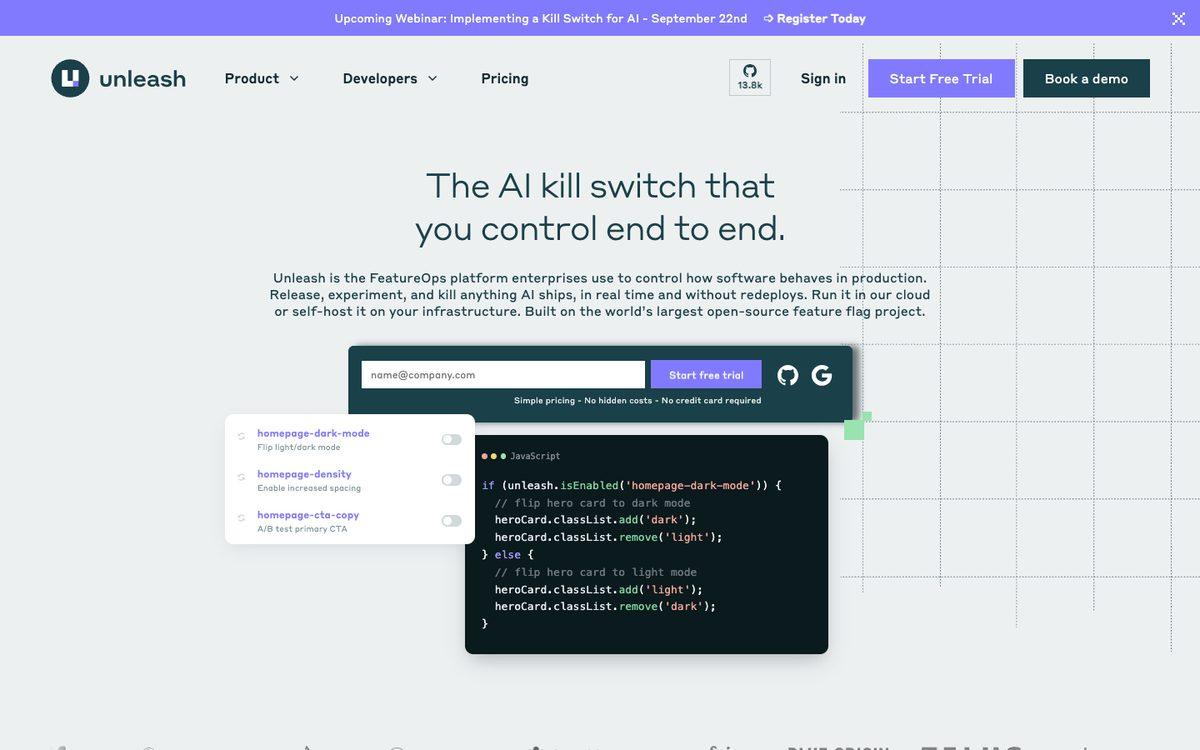
Unleash is open source at its core, and the self-hosted edition is free with no seat limit, covering the core flag feature set within per-instance limits on projects and environments. A hosted cloud version is also available, billed per seat.
- Key features: self-hostable open source core, targeting and rollout rules, a paid tier for SSO and expanded environments and projects.
- Best for: teams that need to keep flag data on their own infrastructure for compliance or residency reasons.
- Worth knowing: self-hosting means you run and patch the service yourself; the hosted plan reintroduces a per-seat bill.
See Featureflow vs Unleash in detail.
5. Flagsmith
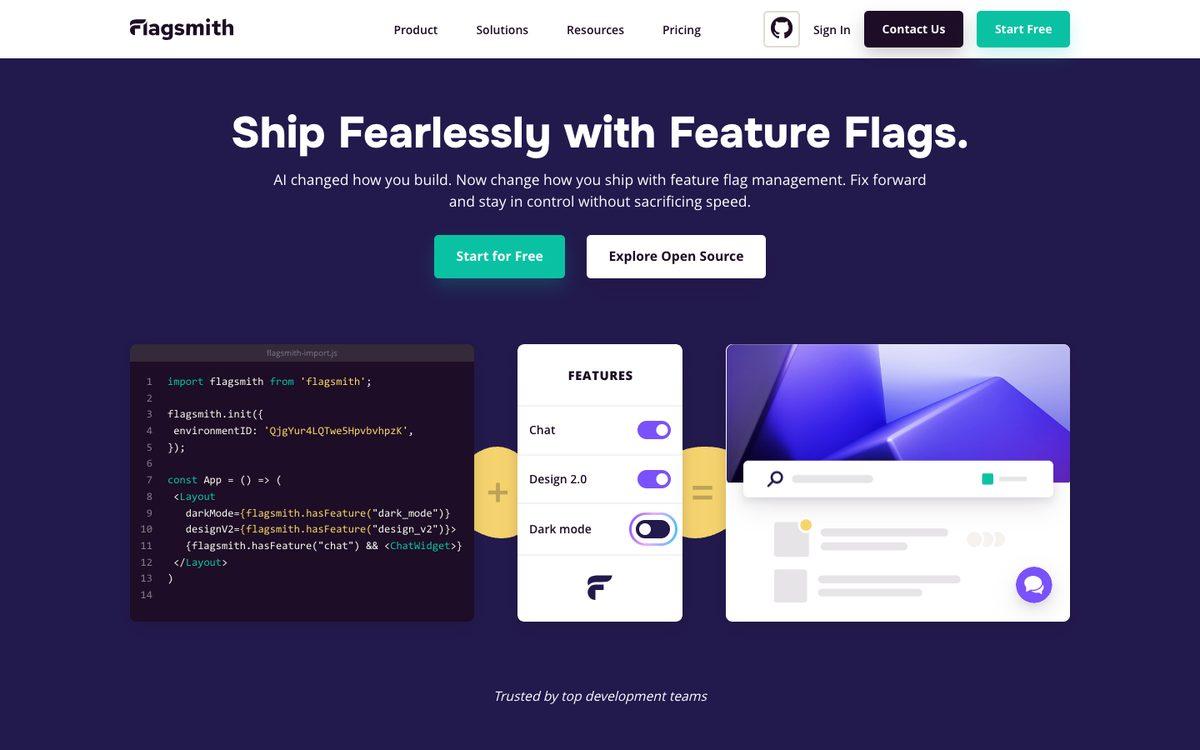
Flagsmith is also open source with a free self-hosted edition. Its hosted cloud version stands out for billing by API request rather than by seat or by monthly active user, which suits teams with a large user base but modest evaluation volume.
- Key features: self-hostable open source core, request-metered cloud billing, remote config values alongside flags.
- Best for: teams that want open source flexibility with a cloud option billed on request volume rather than headcount.
- Worth knowing: request-based billing rewards low evaluation volume, so a high-traffic client-side app can cost more than a similar seat- or MAU-based plan elsewhere.
See Featureflow vs Flagsmith in detail.
6. ConfigCat
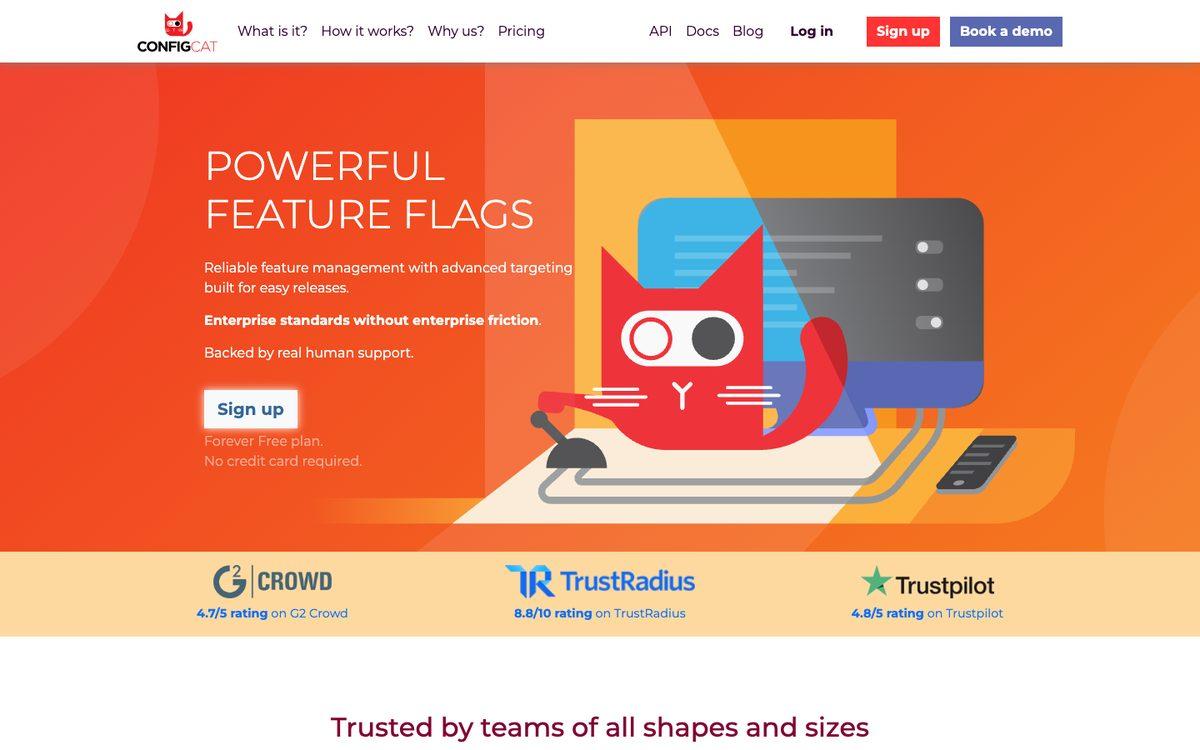
ConfigCat is a hosted flag service with flat, tiered pricing: unlimited seats and unlimited monthly active users on every plan, with the tier instead set by capacity — how many products, flags, environments and how much traffic you use. It also offers an approval flow that lets a team member propose a change and require a second person to review it before it reaches production.
- Key features: flat capacity-based tiers, unlimited seats and MAU on every plan, an approval flow for reviewing changes before production.
- Best for:small teams that want a predictable flat bill and don't want to track a usage counter.
- Worth knowing: entry tiers cap the number of flags, products and environments you get, so growth can mean an upgrade even though seats and MAU stay unlimited.
See Featureflow vs ConfigCat in detail.
7. GrowthBook
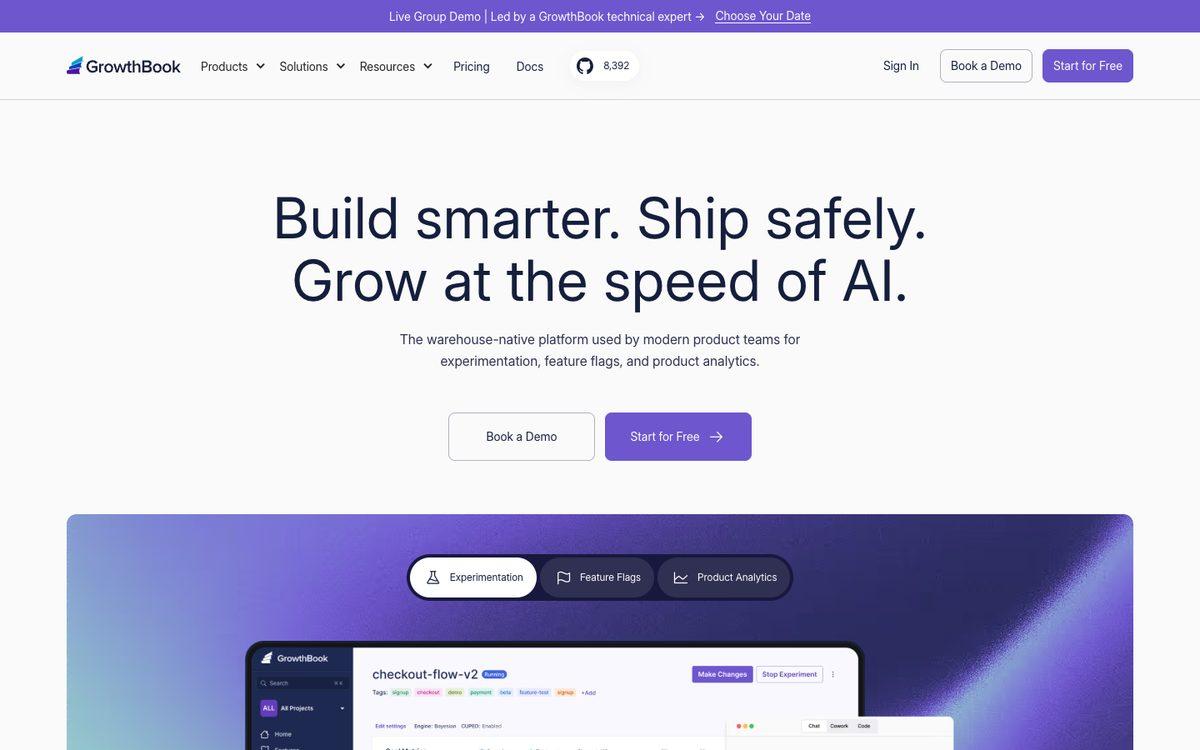
GrowthBook is an open source platform with feature flags and experimentation built together from the start, and it has one of the largest open source communities of any tool on this list. The self-hosted edition has no seat limit; the hosted cloud version charges per user on its paid tier.
- Key features: self-hostable open source core, flags and experimentation built on the same statistics engine, a free tier for small teams on the hosted cloud.
- Best for: teams that want experimentation and feature flags from the same open source platform.
- Worth knowing:the hosted cloud plan is billed per user, so cost scales with headcount even though the self-hosted edition doesn't charge for seats at all.
See Featureflow vs GrowthBook in detail.
8. PostHog (feature flags)
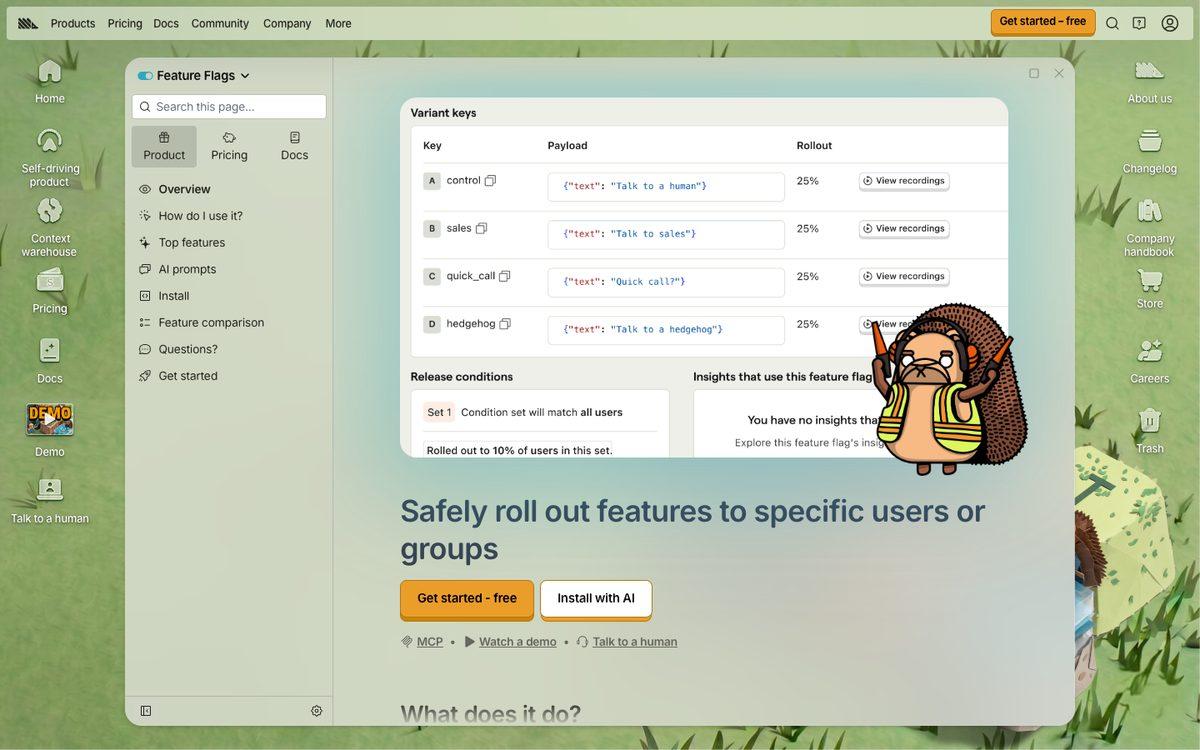
PostHog is primarily a product analytics platform — session replay, surveys, data warehouse — and feature flags are one module inside it, priced the way the rest of PostHog is: usage-based, per flag evaluation, with a large free monthly allowance before charges start.
- Key features: flags alongside analytics, session replay and A/B testing in one product, a large free tier of flag evaluations each month.
- Best for: teams already using or planning to use PostHog for analytics who want flags in the same dashboard.
- Worth knowing:flags are a module of a broader analytics suite rather than a standalone release-management product, so pipelines and approval workflows aren't the focus.
See Featureflow vs PostHog in detail.
9. Harness Feature Management & Experimentation (formerly Split)
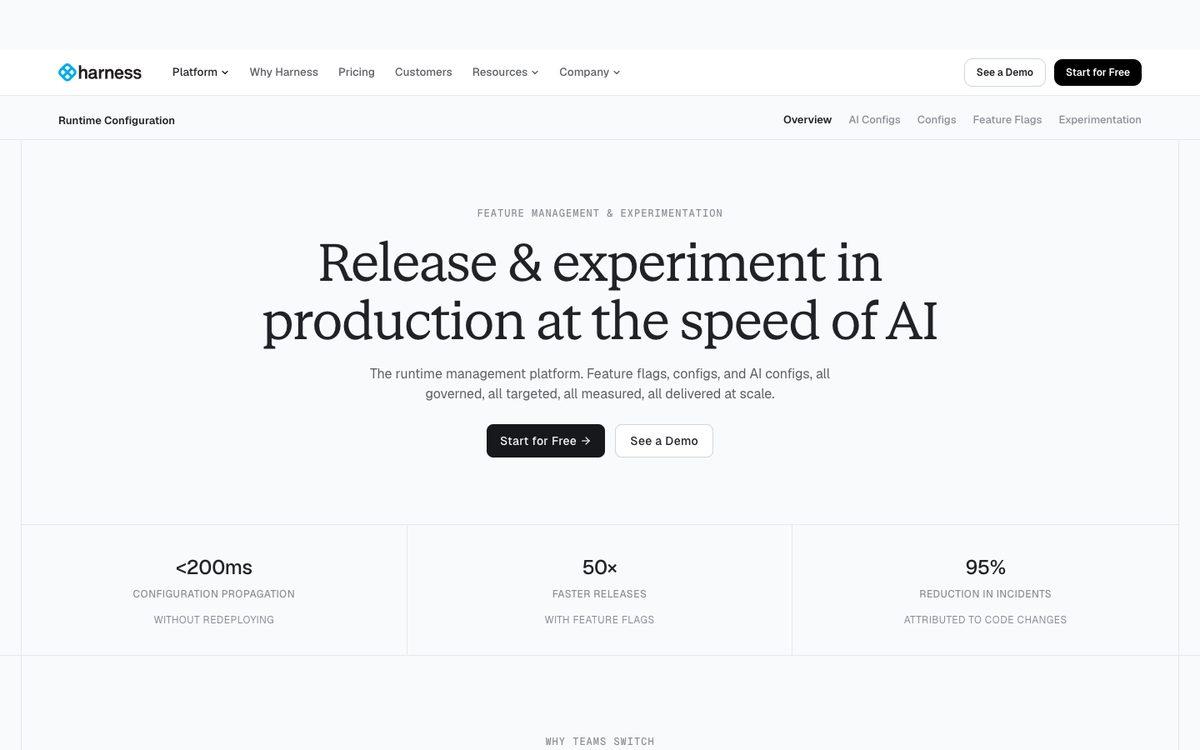
Split was an established feature management and experimentation platform before Harness acquired it in 2024. It's now sold as Feature Management & Experimentation (FME), a module inside the wider Harness software delivery platform, with the metrics-to-flag integrations Split was known for. Standalone Split pricing no longer exists; the old pricing page now redirects to Harness's.
- Key features: flags tied to delivery pipelines, experimentation with metrics integrations, part of the broader Harness DevOps platform.
- Best for: organizations already standardized on Harness for CI/CD who want feature management in the same platform.
- Worth knowing: pricing is quote-based and tied to a Harness platform decision, not something you can size on a public pricing page.
See Featureflow vs Harness FME in detail.
10. DevCycle
DevCycle markets itself as OpenFeature-native, built around the CNCF's open standard for feature flag SDKs rather than a proprietary API. It doesn't charge per seat on any plan; instead it bills by client-side monthly active users. In January 2026 the DevCycle platform became part of Dynatrace.
- Key features: OpenFeature-native SDKs, unlimited seats on every plan, a free tier with a fixed MAU allowance.
- Best for:teams that want to standardize on the OpenFeature SDK spec and don't want to pay per seat.
- Worth knowing: seats are free but the bill still grows with client-side MAU, so a consumer-facing app can outgrow the lower tiers quickly.
See Featureflow vs DevCycle in detail.
How the ten compare
| Tool | Best for | Open source or hosted | Runtime config | Pricing model |
|---|---|---|---|---|
| Featureflow | Small-to-mid teams that want governance without enterprise pricing | Hosted | Yes — JSON value on every variant | Flat plan tiers, unlimited seats on every paid plan |
| LaunchDarkly | Large organizations standardizing flags across many teams | Hosted | Yes — JSON flag variations | Usage-based: client-side MAU plus service connections |
| Statsig | Product teams that want flags and analytics in one platform | Hosted | Yes — Dynamic Configs | Usage-based: metered analytics events, flag checks unlimited |
| Unleash | Teams that need to self-host for data residency or compliance | Open source (self-host) or hosted | Yes — string/number/JSON variant payloads | Free self-hosted; hosted cloud plans billed per seat |
| Flagsmith | Teams that want open source with a request-based cloud bill | Open source (self-host) or hosted | Yes — JSON Remote Config values | Free self-hosted; hosted cloud billed per API request |
| ConfigCat | Small teams that want a flat bill with no usage counters | Hosted | No JSON type — text, number and boolean values only | Flat tiers by capacity (flags, environments, traffic), unlimited seats and MAU |
| GrowthBook | Teams that want an open source, experimentation-first platform | Open source (self-host) or hosted | Yes — JSON feature values | Free self-hosted; hosted cloud billed per seat |
| PostHog (feature flags) | Teams already using PostHog for product analytics | Hosted (open source core available) | Yes — JSON flag payloads | Usage-based: billed per flag evaluation, large free allowance |
| Harness FME (formerly Split) | Enterprises already standardized on the Harness platform | Hosted | Yes — Dynamic Configuration, JSON or key-value | Custom, sold as a module of the Harness platform |
| DevCycle | Teams that want unlimited seats and an OpenFeature-native SDK | Hosted | Yes — JSON variable type | Usage-based: billed by client-side MAU, seats free |
How to choose
Start with what you're actually trying to fix. If flag changes ship without anyone else seeing them first, you need approval workflows and an audit trail, not just an on/off switch. If your bill grows every time your product succeeds, look for a pricing model that doesn't meter seats, MAU or connections. If your SDKs don't cover your stack, none of the rest matters.
Open source self-hosting (Unleash, Flagsmith, GrowthBook) gives you full control of your data at the cost of running the service yourself. Usage-based hosted tools (LaunchDarkly, Statsig, PostHog, DevCycle) scale smoothly but can make next year's bill hard to predict this year. Flat, capacity- or plan-based pricing (Featureflow, ConfigCat) trades some of that elasticity for a number you can put in a budget.
Want the detail behind any single row in the table above? Each tool has its own page with sourced facts on pricing, governance and SDKs - see every Featureflow comparison in one place.
It also helps to know what you're actually buying beyond flags. Want enterprise breadth across many teams and services? Look at LaunchDarkly. Don't already run your own experimentation tool, and want one built into your flags? Statsig, GrowthBook and PostHog are built around that. If you do already run one, as most companies do, Featureflow's client SDKs send flag exposures to it, through a built-in connector or the generic exposureIntegration callback (see the Segment integration for an example). Need the data on your own infrastructure? Unleash and Flagsmith self-host. Want rollout control and runtime config, specifically that, with the integrations you already use and a bill that doesn't move when your product does well? That's the gap Featureflow is built to fill.
Featureflow gives you targeting, segments, percentage rollouts, runtime config, multiple environments and the REST API on every plan, including Free, with release pipelines and approval workflows on Business. Every new account gets a 14-day full Business trial, no credit card required, and drops to the Free plan afterward without losing any configuration. See featureflow.com or the docs.
Sources
Pricing and plan claims above are checked against each vendor's own pricing or docs page as of Sep 19, 2026:
- LaunchDarkly pricing
- Statsig pricing
- Unleash pricing
- Flagsmith pricing
- ConfigCat pricing
- GrowthBook pricing
- PostHog pricing
- Harness pricing (FME is sold as a platform module)
- DevCycle pricing
#FeatureFlags#ReleaseManagement#ContinuousDelivery#DevOps#ToolComparison
Try the tool we put first on this list
Start free, or take the 14-day Business trial — no credit card required — and see release pipelines and approval workflows on your own flags.
Start Now (Free)Related Articles
Retiring an API version without a surprise outage
A shutdown date hits every client at once, including the cron job nobody owns. Gate v1 with a per-client flag, brown out a slice of traffic, and turn a client back on if they still need the old routes.
Feature flags that only work when another flag is on
express-payments gets turned on for users who are still on the old checkout, and the page breaks while the dashboard looks healthy. Fold the two flags into one, or read both in a single function.
Five questions to ask when a pull request adds a feature flag
The flag is usually two lines inside a much bigger diff, so the review spends its time on the feature. Check the name, the failover, the tests, where it is evaluated, and who deletes it.